

Get started with New World Online Shopping
Get groceries the way you want, when you want, with Delivery or Click & Collect.
Book your slot
Online shopping is a great way to get your groceries when you want them, where you want them.
Our fresh food experts and personal shoppers will select the freshest and finest for your order, and we’ll deliver straight to your door or you can collect on your way home with Click & Collect.
How to shop with New World online
Follow these simple steps to place your first order.
Step 1 - Register
Simply complete the online shopping registration here using your Clubcard account email, and start shopping right away. Alternatively, you can download the New World app from the App Store or Google Play, complete the registration and then start shopping.
Step 2 - Choose how you’d like to get your groceries
Select your store, shopping method (Delivery or Click & Collect) and delivery address here.
Step 3 - Place your order
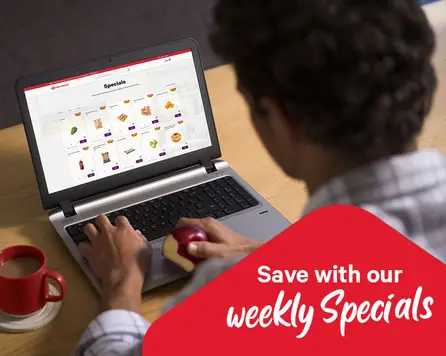
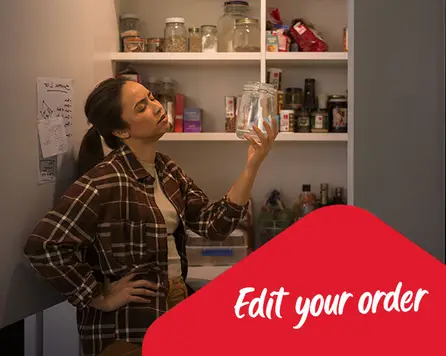
Now you're ready to shop! You can browse specials, fresh produce and more. Start adding items to your cart. When you're ready, review your cart and place your order here. If you forget something, You can still make changes to your order after it’s been placed.
Easy ways to get your groceries
Choose between delivery or Click & Collect.

Standard and Same Day* Delivery
Sit back and relax, we’ll bring your groceries straight to your door! Get Same Day* Delivery at participating stores (subject to timeslot availability).
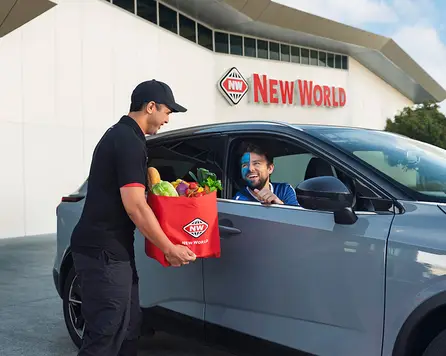
Free Click & Collect
Order online and pick up your shop when it suits you! Same Day* Click & Collect available at participating stores.
1 / 0
Tips to shop smarter
Make your online grocery shop even easier with these tips.

1 / 0
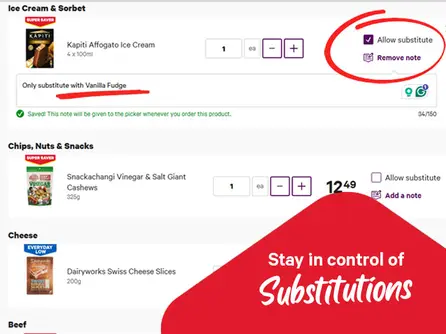
Choose your substitution preferences
Before checkout, choose your substitution preference. If something’s out of stock, your Personal Shopper will pick a similar item - we’ll only charge you the same or less. You can also add notes for specific preferences (like flavours).

1 / 0
Frequently asked questions
Follow these simple steps to place your first order.
Step 1 - Register
Simply complete the online shopping registration here using your Clubcard account email, and start shopping right away. Alternatively, you can download the New World app from the App Store or Google Play, complete the registration and then start shopping.
Step 2 - Choose how you’d like to get your groceries
Select your store, shopping method (Delivery or Click & Collect) and delivery address here.
Step 3 - Place your order
Now you're ready to shop! You can browse specials, fresh produce and more. Start adding items to your cart. When you're ready, review your cart and place your order here. If you forget something, You can still make changes to your order after it’s been placed.
North Island service fees:
- Click & Collect: Spend $50 or more – Free Spend under $50 - $5 service fee.
- Delivery: Spend $200 or more - $9 service fee. Spend under $200 - $14 service fee.
South Island service fees:
- Click & Collect: All orders $3.50 service fee.
- Delivery: Spend $200 or more - $10 service fee. Spend under $200 - $15 service fee.
To check whether we deliver to your area, choose the ‘Delivery’ option and then enter your designated delivery address.
The minimum order value is only $1.
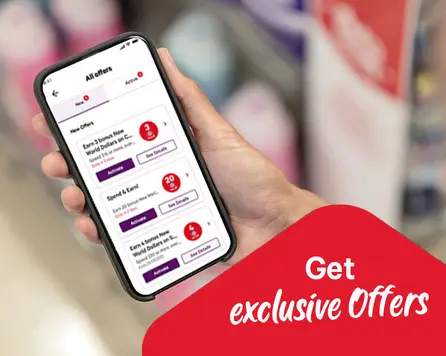
The app is available on Google Play Store and App Store. Get online shopping, personalised offers, plus always have your New World Clubcard with you with the New World app!